Epitome PC Spec Check
Stack your rig against Steam’s current estimates — not a launch-day guarantee.
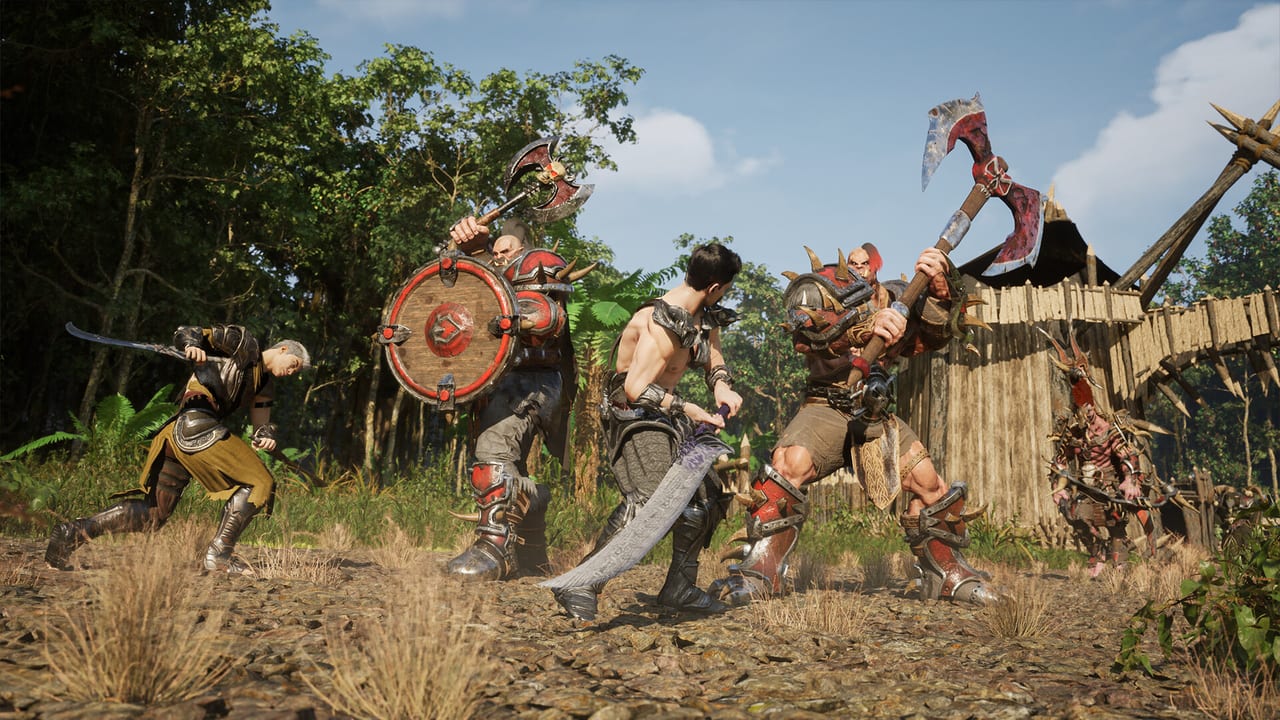
Epitome’s Steam page still says Coming soon, and it still labels hardware lines as estimates. That is the entire reason this checker exists. You should not buy a new GPU because a Kickstarter trailer looked heavy in Unreal Engine. You should compare what you already own to the published minimum and recommended blocks, then wait for the studio to replace the word estimates.
Steam currently lists Windows 10 64-bit for both tiers. Minimum CPU examples are Intel Core i5-6600K or AMD Ryzen 3 1200. Recommended examples are Intel Core i7-9700K or AMD Ryzen 7 3700X. This form does not ask for a CPU SKU because a dropdown of every 2016–2026 chip would pretend precision the store page does not claim. If your processor is far below those generations, read the full system requirements page instead of trusting three dropdowns.
The Steam page also requires an Epitome System Account, which can link to Steam, and lists Armorify.it anti-cheat. Passing a RAM check does not create that account. Failing a GPU check does not mean the anti-cheat will refuse you. Keep those as separate chores.
The estimates this tool actually uses
Minimum (Steam, marked as estimates)
- Memory: 8 GB RAM
- Graphics: NVIDIA GeForce GTX 1060 / AMD Radeon RX 580 with 6 GB VRAM
- Storage: 20 GB available space
- Note: SSD recommended if possible. Final requirements promised before release.
Recommended (Steam, marked as estimates)
- Memory: 16 GB RAM
- Graphics: NVIDIA GeForce RTX 2060 / AMD Radeon RX 5700 XT with 8 GB VRAM
- Storage: 40 GB available space
- Note: Definitely SSD. Same estimate disclaimer.
Kickstarter materials talked Unreal Engine 5.7 while Steam currently prints 5.4. Either way, Nanite-looking shots are not a substitute for a shipped benchmark. Pre-alpha backer builds can run better or worse than a future Steam client. Do not treat a friend’s 1080p clip as your frame-time budget.
The game is planned as free-to-play with online MMO play, parties, and PvP. A crowded city on a claimed shardless instance is a different load than a quiet field on map M1. Testers often describe that slice as two cities, four biomes, and a level cap around 20. Crowding can still spike if a lot of backers stand in the same square. Estimates will move when those spikes are measured for real.
Check your estimates
Pick the closest RAM, GPU class, and disk type, then submit. The result is prose, not a pass/fail certificate.
How to interpret each dropdown
8 GB RAM matches the listed minimum. That is the floor Steam is willing to print today, not a comfort line for AI NPC voice, open-world density, or background Chrome. 16 GB or more matches the recommended estimate. If you have 12 GB, you are between the two printed numbers; the form only offers the two Steam buckets, so be honest about which side you are closer to.
GTX 1060 / RX 580 class is the minimum GPU story. Laptop chips with similar names are not the same card. RTX 2060 / RX 5700 XT class or better is the recommended story. Below those estimates means you should expect to wait, lower settings, or skip buying hardware until final specs land. A pre-alpha that “ran okay” on a weaker laptop does not rewrite Steam.
Hard disk is allowed by the minimum storage line but fights the SSD notes. SSD is what both additional-notes blocks already ask for, more strongly on recommended. Unreal Engine titles hitch harder on spinning rust when streaming landscapes — and Epitome’s store shots are landscape-heavy on purpose.
If the checker says you meet recommended GPU and RAM but you still hitch, look at CPU, laptop power limits, background overlays, and whether you are comparing a trailer to a test shader. Then read the full requirements guide rather than repeating this form.
What this checker refuses to claim
It will not say you are ready for launch day. Launch hardware is not published as final. It will not convert Archon Seals into performance. Seals are described in coverage as cosmetic and utility currency under a no pay-to-win claim. It will not rank classes; use the class picker. It will not grant pre-alpha; use the pre-alpha checklist for public steps and Kickstarter history for actual keys.
It will not settle disputed loot-library sizes. Older campaign language mentioned roughly seventy gear pieces; later chatter cites a larger set. Your GPU does not care. It will not settle Aria versus Zetia. Kingdoms are lore. It will not tell you the MMO is out. The store page still says Coming soon.
If you are under the minimum GPU estimate, the cheapest honest move is to wishlist Steam, keep the Updates Hub bookmarked, and wait for final specs. If you already meet recommended estimates, spend your attention on how to play and official channels on official links instead of a new graphics card.
A green result on this page is permission to stop refreshing hardware rumors, not permission to treat Epitome as a shipped benchmark. When Steam deletes the word estimates, run the comparison again and ignore any YouTuber who treated 2026 Kickstarter footage as a 1% low guarantee.
Frequently Asked Questions
Straight answers for wishlist, classes, and pre-alpha questions.
Are these the final Epitome system requirements?
No. Steam marks both blocks as estimates and says final numbers will be available before release. This tool only repeats the current store lines.
Why does the form skip CPU?
Steam prints two example SKUs per tier. A full CPU picker would imply precision those examples do not have. Use the [system requirements](/guides/system-requirements/) page for the printed processor lines.
I run the pre-alpha fine on lower hardware. Am I safe?
You are safe for that build, on that map slice, at those settings. The Steam client is not out. Crowds, streaming, and later maps can change the bill.
Do I need an SSD?
Steam recommends SSD on minimum and insists on it for recommended. Plan on SSD before you plan on ultra settings.
Does the Epitome System Account affect specs?
It is a login requirement, not a hardware tier. Create or link it when the studio tells you to. It will not replace 8 GB of RAM.