Epitome Tools Hub
Pickers and checklists that stay tied to public Steam and Kickstarter language.
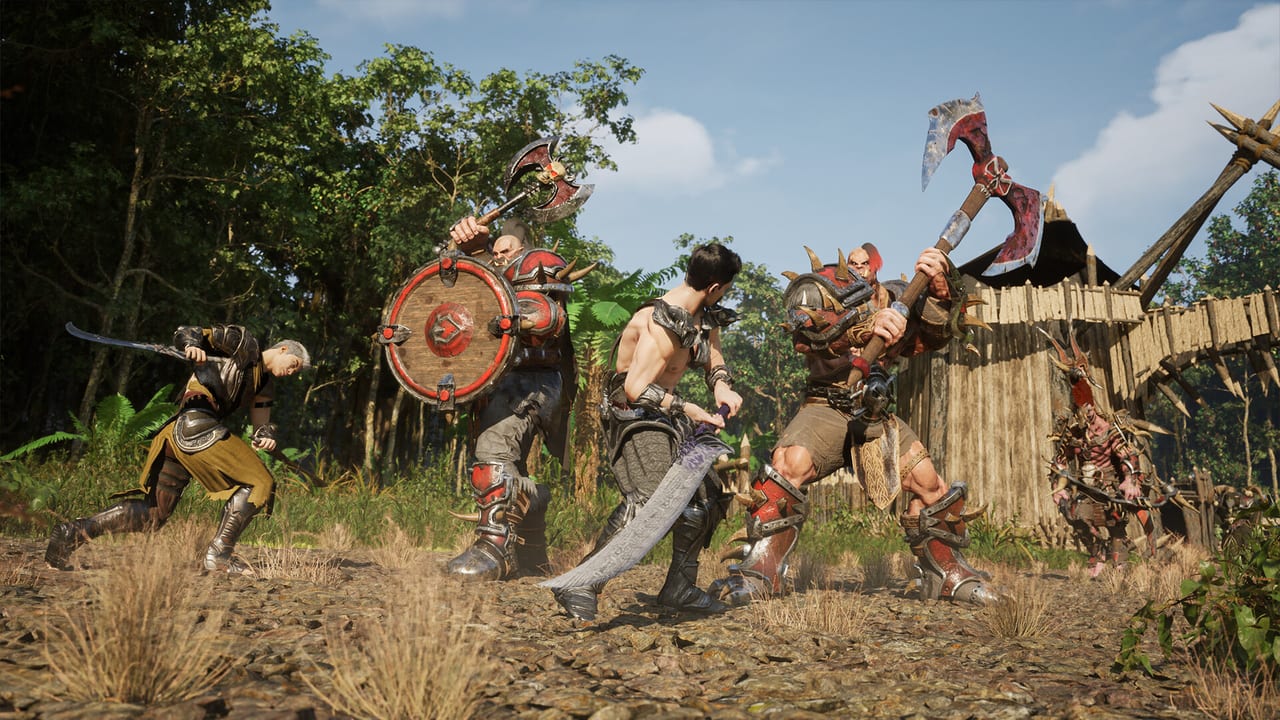
These tools exist because Epitome is still Coming soon on Steam and a lot of “should I play X” questions are really planning questions. You cannot install a public client from the store page today. You can still choose a class to read, compare your PC to published estimates, and stop mixing Kickstarter access with a wishlist click. Each tool on this hub is a browser helper. None of them grant keys, skip Morality Metrics, or turn unfinished combat into a finished meta.
Kickstarter ran from January 29 to February 28, 2026 and funded a persistent pre-alpha for backers. That is a closed loop. If you did not pledge, the useful work is still public: read Steam, join official channels, and keep expectations sized to one map, two cities, four biomes, and a level cap testers often cite around 20. Gear and enemy totals in coverage disagree; the tools here will not invent a single official count to make a quiz feel scientific.
What you can run from this hub
Start with the class picker if you have not decided among Warrior, Ninja, and Shaman — or if you are already daydreaming about Necromancer and Elementalist. The picker asks how you want to fight, what a party should remember you for, and whether you are planning around day-one creates or Morality Metrics. It then points at a class page. It does not simulate damage. Combat is unfinished; a simulated parse would be dishonest.
Use the PC check next if you are staring at a GPU shopping tab. Steam still labels minimum and recommended lines as estimates: Windows 10 64-bit, 8 GB versus 16 GB of RAM, GTX 1060 / RX 580 (6 GB) versus RTX 2060 / RX 5700 XT class, 20 GB versus 40 GB of space, with SSD language that gets stronger on the recommended side. Final numbers, Steam says, arrive before release. The checker only stacks your answers against those published estimates.
Finish with the pre-alpha checklist if you keep opening Discord, closing it, and forgetting whether you actually wishlist’d the app. The list is local to your browser. Checking every box does not mean a download appears. It means you did the public hygiene: Steam, Discord, website, specs, class reading, faction reading, NPC memory, and an honest first look.
How these tools relate to the rest of the wiki
Class results should be read against the classes hub and, if you care about letters, the Class Path Tier List Hub. Starter dual paths sit on starter path rankings; advanced dual paths sit on advanced path rankings. The picker is allowed to send you to Necromancer or Elementalist only when you say you will chase unlocks. Steam still lists those two as advanced.
PC results should be read against the system requirements guide when you want CPU SKUs and the Epitome System Account note. The store page requires that third-party account (it can link to Steam). Anti-cheat is listed as Armorify.it. A RAM checkbox cannot warn you about account linking; the full requirements page can.
Checklist items that mention factions point at Aria versus Zetia, not at a hidden stat buff. Items that mention AI NPCs point at voice and text conversation, memory, and the risk of ignoring someone — the feature the studio hangs the pitch on. Items that mention a first look point at skepticism: Kickstarter MMOs have a graveyard, and unfinished combat reports exist beside impressive NPC demos.
What these tools will not do
They will not tell you the game is out. They will not convert Archon Seals into power. Coverage describes Seals as cosmetic and utility currency under a no pay-to-win claim; a wiki form will not pretend that claim is a live economy. They will not pick Aria or Zetia for you. They will not resolve Unreal Engine 5.4 on Steam versus 5.7 in Kickstarter materials. They will not settle whether the item list is “about 70” or “about 160.”
Online play is MMO-shaped: parties, trade, PvP talk, a claimed shardless instance large enough for tens of thousands of players. That claim is the studio’s. These tools assume you will share a world with other people, not a couch split-screen. If you wanted local-only co-op, you are reading the wrong game.
Use the Guides Hub when you need walkthrough prose instead of a form. Use the Updates Hub when you need Kickstarter phase language versus tester reality. Use official links when a random site asks for a password.
If a tool result surprises you, that is the point. A picker that always answers Warrior would be a poster, not a helper. A PC check that always says “buy more GPU” would be an affiliate page. A checklist that auto-completes because you opened it once would be theater.
Bookmark this hub when Steam still says Coming soon. Re-run the PC check when the store page replaces the word estimates. Re-run the picker when advanced classes move onto or off the create screen. The checklist can stay ticked; the other two should not.
Tools on this wiki are for sequencing your reading, not for simulating a live MMO. If you leave with one class page, one spec verdict, and a shorter rumor list, the hub did its job — even if the client you want is still a backer build.
Frequently Asked Questions
Straight answers for wishlist, classes, and pre-alpha questions.
Do I need these tools if I already pledged on Kickstarter?
The class picker and PC check still help you read Steam kits and estimates. The checklist is more useful for people who only have a wishlist. Backers should still treat combat as unfinished and ranks as speculative.
Which tool should I open first?
The [class picker](/tools/class-picker/) if you are stuck on a main, the [PC check](/tools/pc-check/) if you are stuck on hardware, and the [pre-alpha checklist](/tools/pre-alpha-checklist/) if you are stuck on process.
Why is there no damage calculator?
Epitome’s combat is still in pre-alpha and will change. Publishing a fake parse against unfinished skills would read like a live-game tool. Use path pages instead of invented DPS.
Do the tools work offline?
They run in the page once it is loaded. The checklist stores ticks in this browser only. They do not talk to Steam or grant pre-alpha access.
Where do I verify a rumor these tools cannot check?
Start at [official links](/links/), then the [Updates Hub](/updates/). Prefer dated Steam or Kickstarter language over a screenshot with no date.